Getting Started
Installation Guide (Android)
1
Download the APK
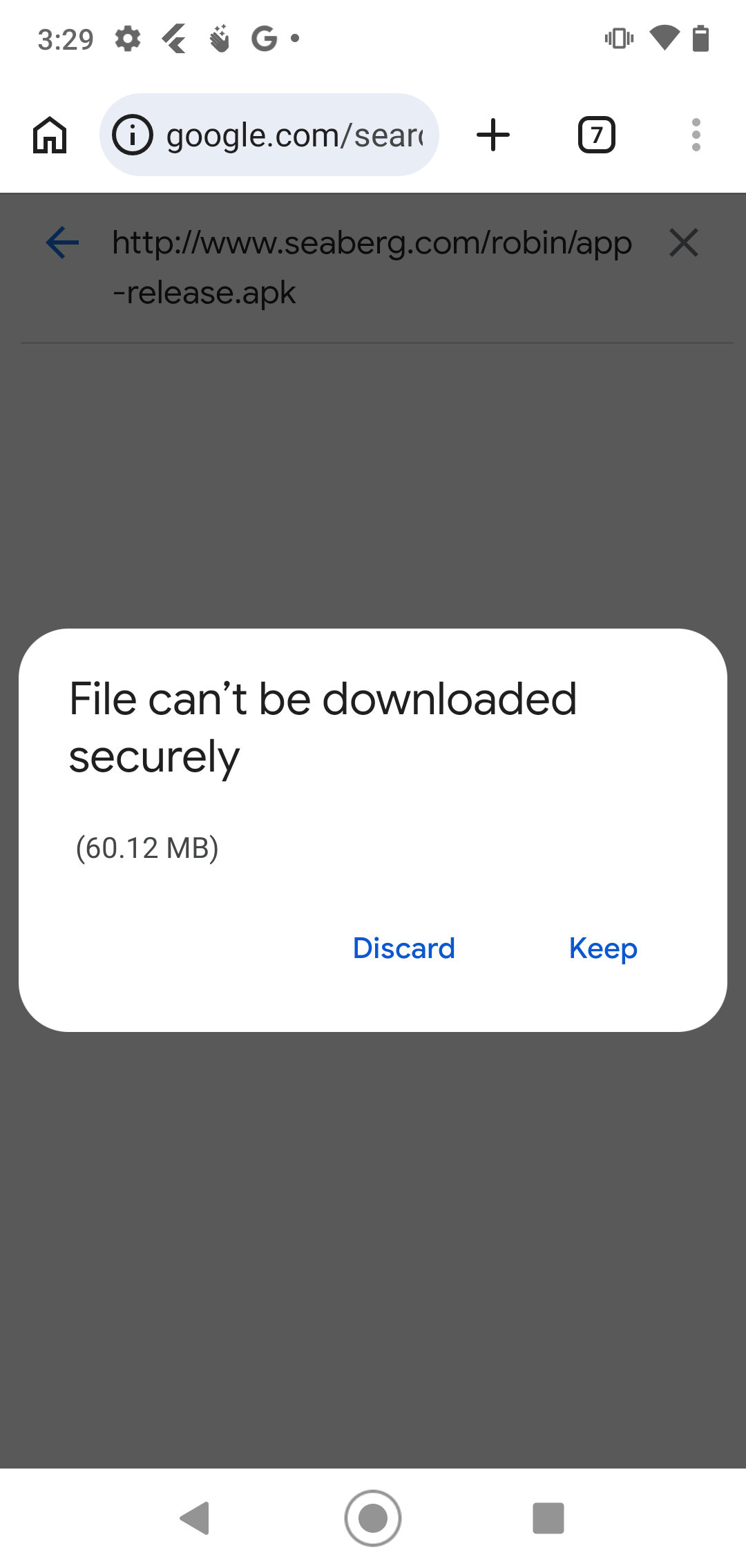
From your phone, tap the download button above (or tap here). Since this isn't from the Play Store, your browser will ask if you want to keep the file.
Tap "Keep" to proceed with the download.
2
Scan the App
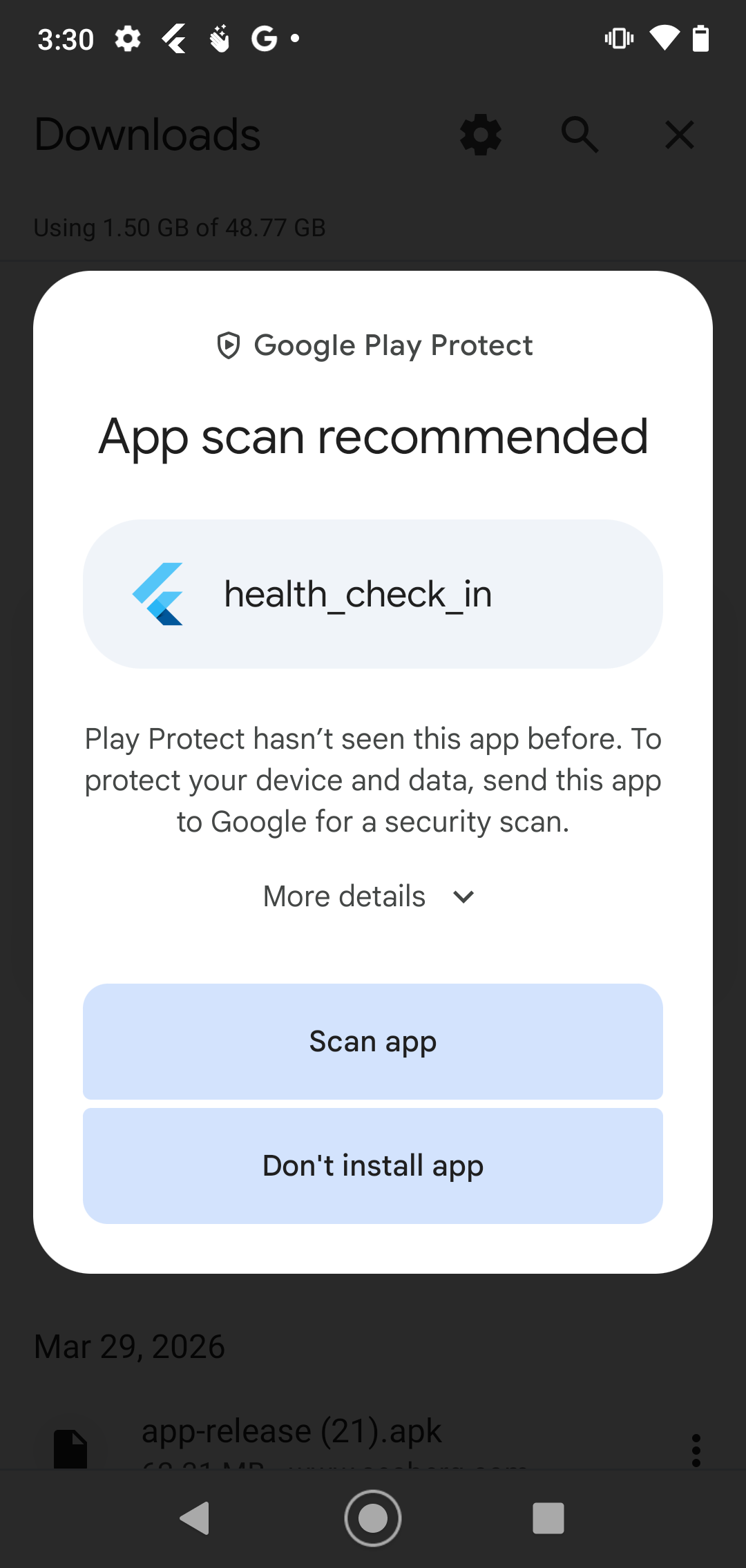
You'll likely see a Google Play Protect prompt recommending a security scan. Tap "Scan app" to proceed.
3
Install the App
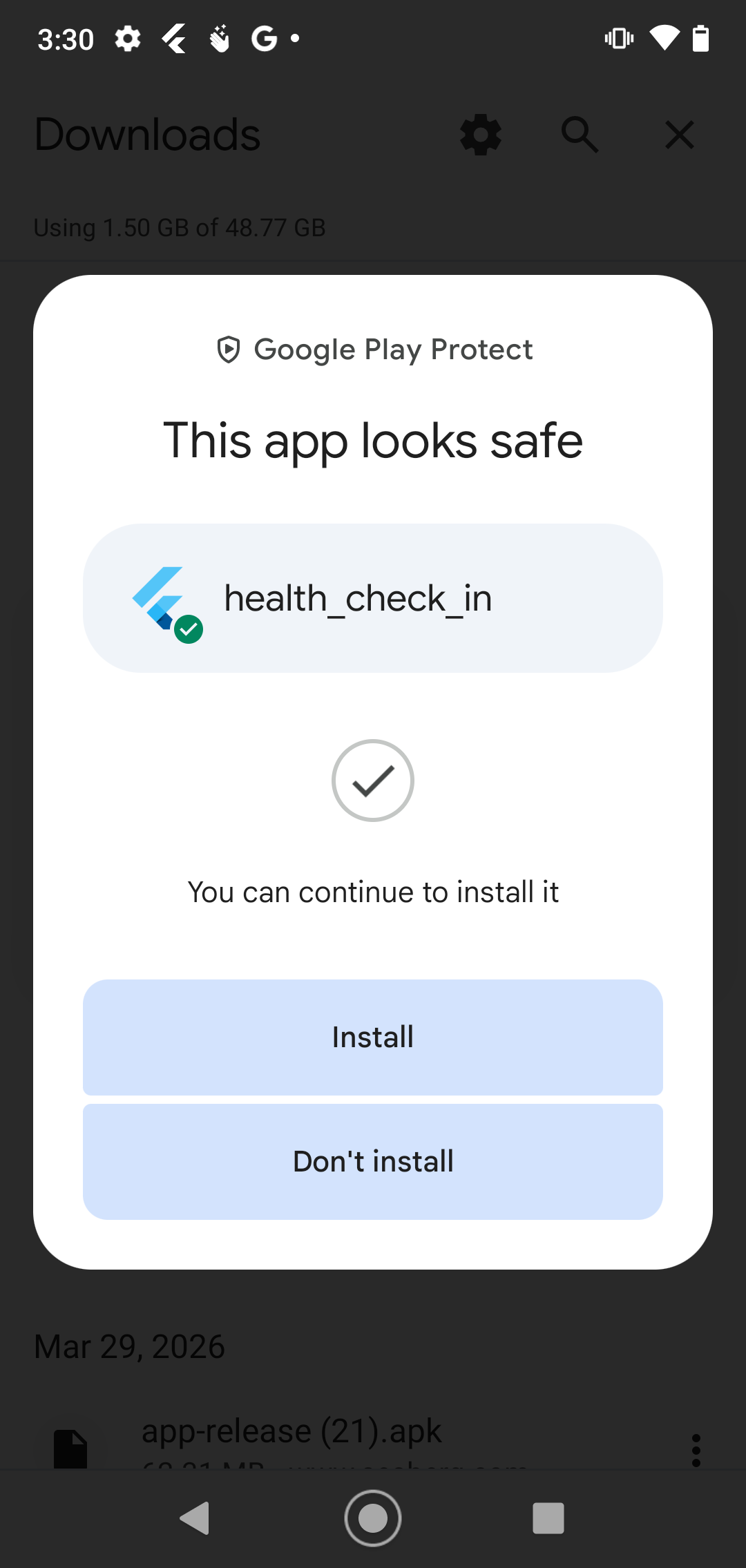
Once the scan completes, you'll see a confirmation that the app looks safe. Tap "Install".
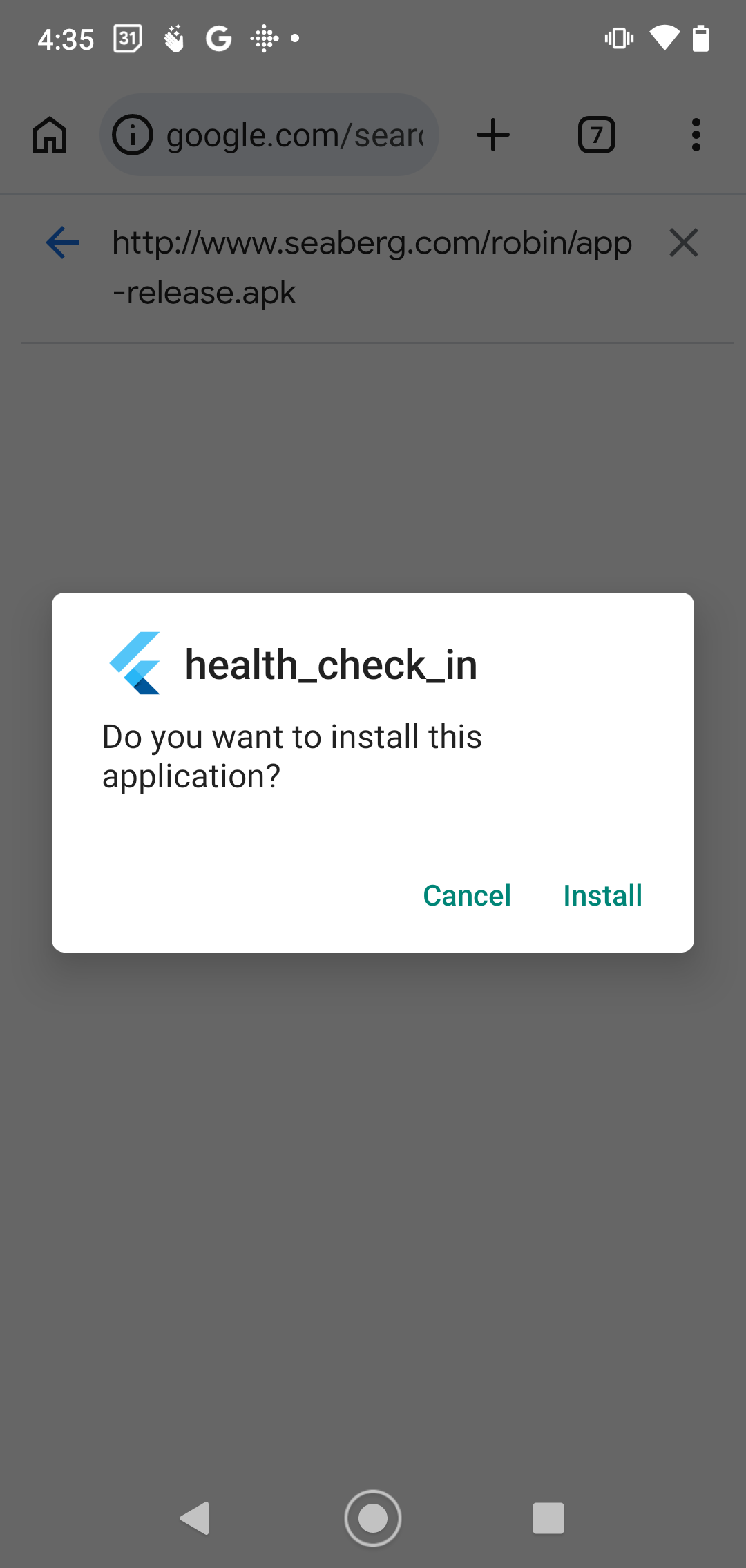
You may see a slightly different install prompt depending on your device — just tap "Install" either way.
4
Open the App
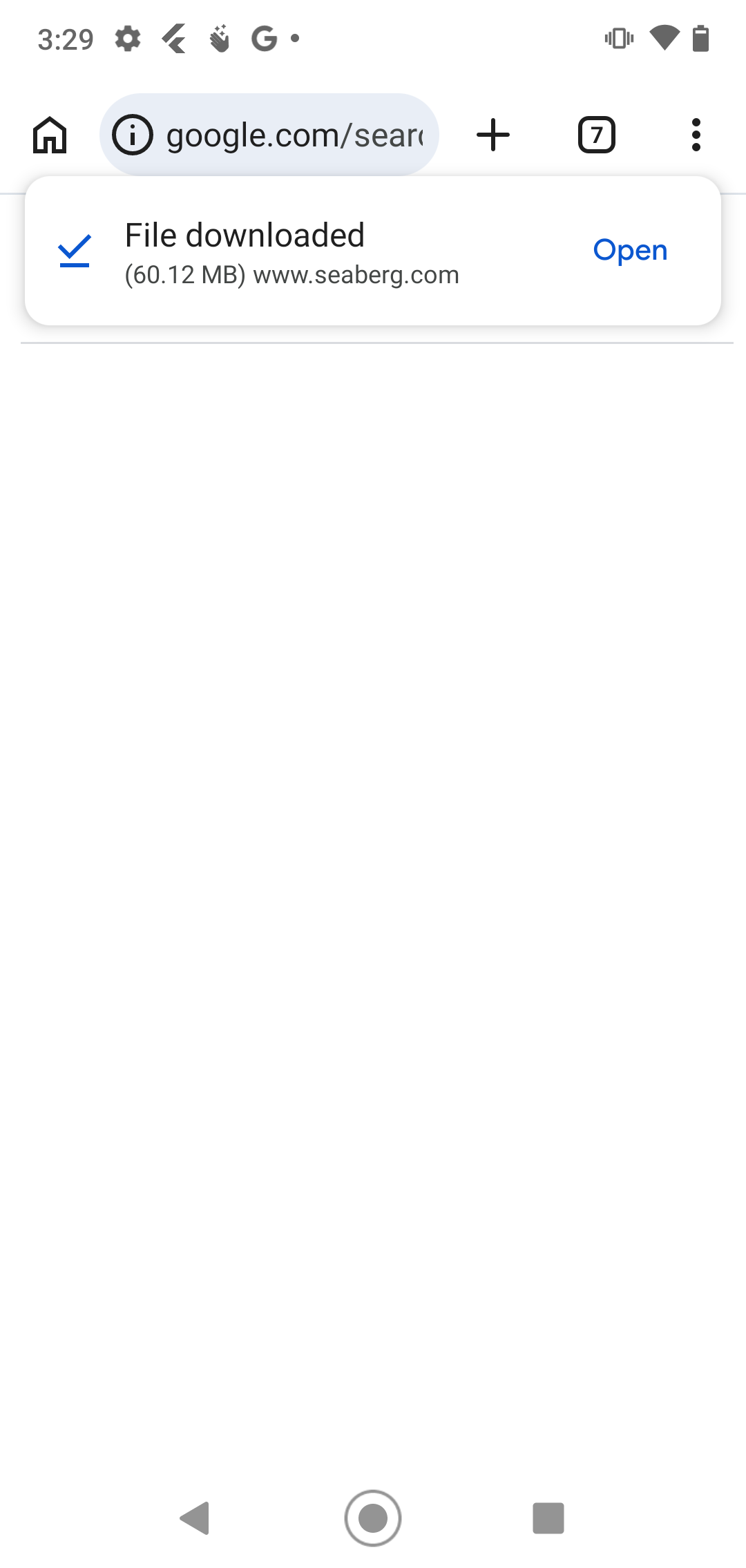
Once installed, you'll see a notification confirming the download is complete. Tap "Open" to launch Health Check-In.
5
Unlock All Features
When you see "Upgrade to Pro" anywhere in the app, tap it and press the button to unlock all features. There is no cost during the beta period.